
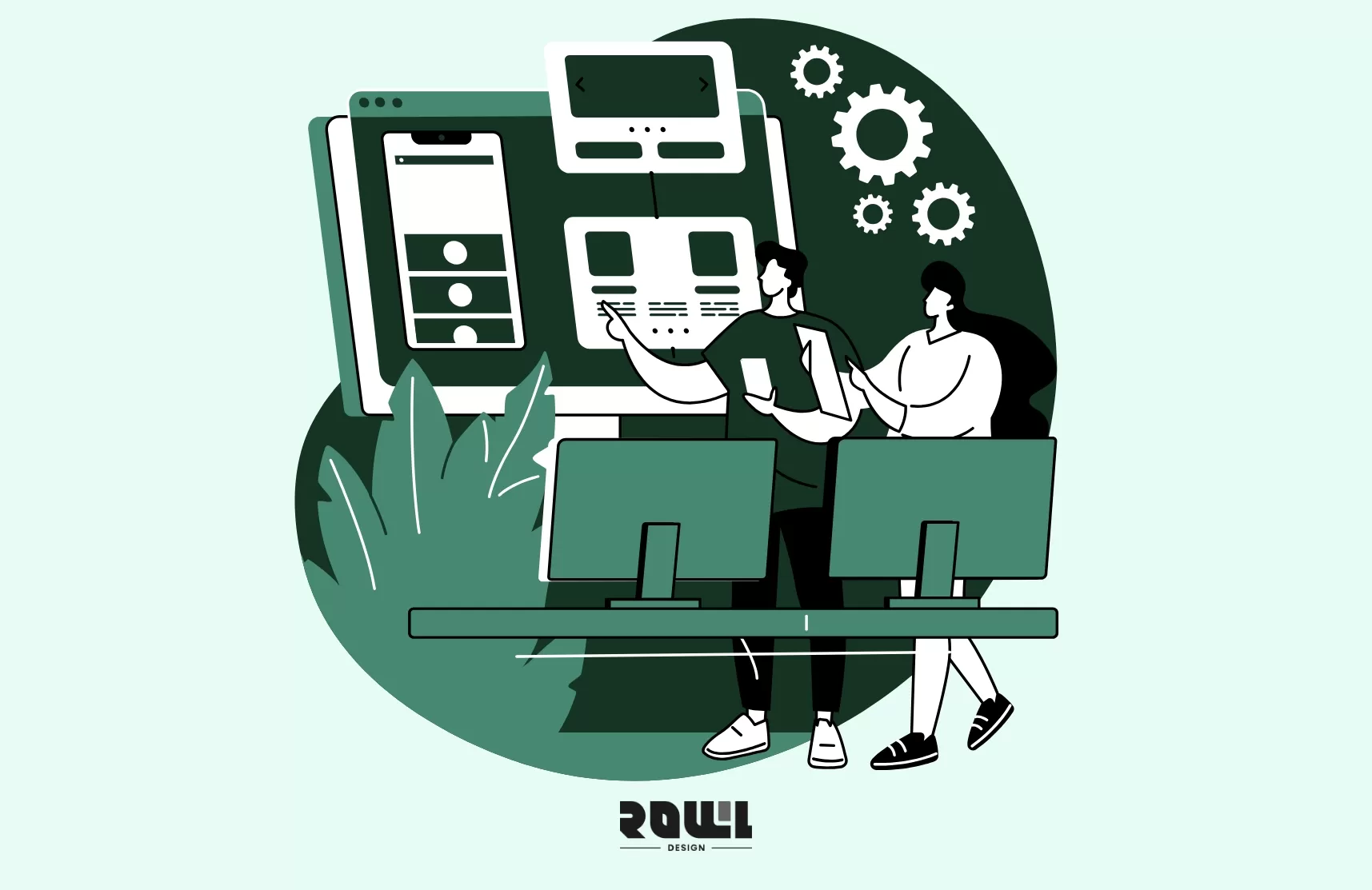
Have you ever wondered how the apps you tap on your phone every day actually come to life?
From that initial spark of inspiration—"What if there was an app that..."—to finally launching on the App Store, it's a journey of meticulous and creative collaboration.
At ROLLLL DESIGN, we've guided countless clients through this process. Today,we're laying out this "development roadmap" for you, highlighting what to watch for at each critical juncture.
Before you begin, ask yourself these three essential questions.
Pausing to clarify these points before writing a single line of code can save you immense time and budget later:
1. What specific "pain point" does my app solve?
(Does it save time? Reduce risk? Or create a new sense of joy?)
2. Who are the "super users" who need it most?
(Don't say "everyone." Try describing their age, habits, even their daily routine.)
3. How does this app create value for my business?
(Is it direct revenue, brand enhancement, or accumulating valuable data?)
Use these answers as your journey's "compass." They will provide the clearest guidance at every subsequent decision fork.
Ready with your ideas? Let's officially set off.
First Stop: Needs Exploration & Product Strategy — Map Your "Strategy Map"
The goal here isn't to get answers immediately, but to ask the right questions.ROLLLL DESIGN's product managers and strategists will collaborate closely with you:
1. User Interviews & Context Analysis:
We don't just ask "What features do you want?" We observe how target users behave in real scenarios and why they get frustrated.
2. Competitor Deconstruction:
Analyzing rivals isn't just about what they "have," but what they "lack" and what users complain about in reviews.
3. Defining Core Value Propositions:
From whiteboards covered in notes, we distill the sharpest product declaration—“Our app is the only tool that helps you ______.”
4. Deliverables:
A comprehensive Product Requirements Document (PRD) serving as the shared blueprint for the entire team.
Second Stop: Design & Prototyping — Giving Ideas a Tangible Form
With strategy in place, we transform abstract concepts into concrete experiences through three steps:
1. Information Architecture & Flowcharts
Like a building's steel framework, we map out the user journey from app launch to goal completion—ensuring intuitive navigation and seamless steps.Adjusting a flow at this stage is a hundred times easier than making changes during late-stage development.
2. Wireframes and Interactive Prototypes
Using the simplest lines and boxes, we sketch out the layout for each page. Then, we link these static images into an interactive prototype where you can click and navigate. This is when you can truly "experience" the app's flow and spot those "Huh, this feels a bit clunky" moments.
3. UI Visual Design
Only after the skeleton and flow are confirmed do we infuse the brand's soul—colors, typography, icons, and animations. We pursue not just "good looks," but ensure every visual element silently guides users while reinforcing brand recognition.
Deliver a complete set of design assets and a high-fidelity prototype for testing.
Third Stop: Development & Testing — "Building and Launching" in the Real World
This is where designs become tangible engineering, typically driven by agile development rhythms:
1. Frontend and Backend Development in Parallel
▶ Frontend: Focuses on everything the user sees, ensuring smooth and visually appealing experiences across different phone sizes.
▶ Backend: Builds servers, databases, and application logic, ensuring data security, stability, and fast request processing.
2. Continuous Integration and Testing
We don't wait until everything is complete to test. Each functional module is tested immediately upon completion:
▶ Functional Testing: Does this button actually work when clicked?
▶ Compatibility Testing: Does it function correctly on iOS 16, 17, 18, and across different Android device brands?
▶ Stress Testing: Can the system handle a sudden influx of 1,000 users?
3. Integration of Technological Innovations
At this stage, we "weld" appropriate cutting-edge technologies into the product according to the blueprint. Examples include:
a. Utilizing machine learning to recommend "You Might Also Like" content.
b. Integrating ChatGPT API to build smarter conversational customer service.
c. Applying AR technology to let users preview product effects in real-world environments.
This results in a fully functional, rigorously tested app installation package.
Fourth Stop: Deployment & Launch — Your App's "Grand Opening" at the App Store
Your app development is complete, and the team is celebrating. But what comes next? Many assume "launching" means hitting an upload button and waiting for global downloads—perhaps the biggest misconception in the product journey.
The reality is: Launching is a meticulously planned "landing operation."You need the right "landing craft" (app packaging), complete "identity documents" (metadata and assets), and must pass through two "customs" (Apple and Google) with their rigorous yet differing standards.
At ROLLLL DESIGN, we've escorted countless apps to successful "landings."Below is our step-by-step breakdown of the practical process from packaging to official launch.
Pre-Operation Prep: Your "Landing Gear" Checklist
Before uploading anything, ensure you have all essential gear—every piece is crucial.
1. Developer Account — Your "Entry Permit"
▶ Apple App Store: Requires registration with the Apple Developer Program, with an annual fee of approximately $99 USD. Account review itself may take several business days, so apply well in advance.
▶ Google Play: Requires registration for a Google Play Console account, with a one-time $25 USD registration fee. Review is typically faster.
▶ Critical Tip: Register using a company email account with stable access permissions to avoid account lockouts due to employee turnover.
2.The Application Itself — Final Inspection of the "Battleship"
▶ Final Packaging: iOS requires an .ipa file (packaged using Xcode), Android requires an .aab file (Google Play's required format, not the older .apk).
▶ Version and Build Numbers: Clear and semantically consistent (e.g., 1.0.0).
▶ Thoroughly Clear Test Data: Remove all test accounts, dummy data, developer backdoors, and debug logs.
3. Store Assets and Metadata—Your "Promotional and Identity Documents"
This section is critical to success, impacting download conversion rates and review approval rates.
|
| |
|---|---|---|
App Icon: | |
|
Screenshots: | One each for 6.5-inch,5.5-inch screen sizes each require one set | Provide three sizes:phone,7-inch tablet,10-inch tablet |
Promotional Video: | Optional but strongly recommended | |
App Name: |
|
|
Short Description: |
| Short Description, up to 80 characters |
Full Description: |
| Detailed description: Up to 4000 characters |
Keywords field: | Available (100 characters, comma-separated, Apple-specific) | Not available (relies on description and store seo) |
Categories: | Select the most relevant primary and secondary categories | Select primary category |
Privacy policy link: |
| Required (if collecting any user data) |
Contact Information: | Required (provide a contactable customer service method) | Required (will be publicly displayed) |
A hard-learned lesson: Screenshots and descriptions aren't copy you think about after development—they should distill your market positioning.
Your first three screenshots must tell users within 3 seconds: "What this app does and why they need it."
First Battlefield: Apple App Store Submission Process (Estimated Duration: 5-14 days)
Apple's review process is renowned for its strictness and meticulousness, and the workflow is relatively closed.
Step 1: Create an App Record
▶ in App Store Connect
▶ Log in to App Store Connect.
▶ Click "My Apps" and create a new app.
▶ Fill in the Bundle ID (must exactly match the Bundle ID in Xcode), app name, primary language, etc.
▶ Select pricing and distribution regions (you can initially choose specific countries or regions for release).
Step 2: Upload the Build Version and Configure the Store Page
▶ Use Xcode or the Transporter app to upload your .ipa file.
▶ After uploading, select this version in the "Builds" section.
▶ Begin filling in all prepared metadata: description, keywords, categories, contact information, etc.
▶ Upload all promotional images and video assets.
▶ Answer encryption export compliance questions (typically select "Yes, includes encryption").
▶ Complete the App Privacy Questionnaire. This is a key focus in recent years; accurately declare data collection types and purposes.
Step 3: Submit for Review
▶ Select the version you wish to submit.
▶ Double-check all information, especially the validity of contact details.
▶ Click "Submit for Review."
▶ The status will change to "Awaiting Review," then "Under Review."
Step 4: Respond to Review and Potential Replies
▶ Status changes to "Requires More Information": Apple's review team may inquire about feature details, data collection, or third-party permissions.
You must respond within App Store Connect, typically within 72 hours.
▶ Status changes to "Rejected": You'll receive explicit rejection reasons (e.g., Guideline 2.1 - Poor Performance, 4.3 - Duplicate Apps).
Modify the app or metadata according to the guidelines, then resubmit a new version.
Apple Review
▶ Core Taboos: Avoid using hotfix mechanisms to circumvent review.
▶ Ensure all payment and subscription systems are transparent and use Apple's In-App Purchase (IAP) system.
▶ Any mention of Android or Google Play may result in rejection.
Second Front: Google Play Submission Process (Estimated Duration: 2-7 days)
Google Play's process is more open and highly automated, but subsequent compliance oversight remains equally stringent.
Step 1: Create App in Play Console
▶ Log in to Google Play Console.
▶ Click "Create app," select primary language and app name (this name can be fine-tuned later).
▶ Create app record.
Step 2: Configure Store Information and Upload App
▶ Under "Home" > "Store Listing," begin filling out all store details.
▶ Upload the .aab file to the "Release" > "Stable" track.
▶ Complete the detailed description, upload graphic assets, select categories and tags.
▶ Fill out the content rating questionnaire, which determines your app's age appropriateness.
▶ Set pricing and distribution scope.
Step 3: Submit for Review
▶ Within the Production track, create a new "Release."
▶ After verifying all information is correct, click "Start Production Release."
▶ The status will display as "Under Review."
Step 4: Address Review Issues
▶ Rejected or Removed: You'll typically receive a detailed email outlining policy violations, such as breaches of the "Deceptive Practices Policy" or "Sensitive Personal Information Policy."
You must submit an appeal in the Play Console and outline corrective actions.
▶ Key difference: Google Play allows greater flexibility for incremental rollouts. You can initially release to 10% of users, monitor crash rates and reviews, then gradually expand to 100%.
Google review core prohibitions:
▶ App names, icons, or descriptions must not mislead users or impersonate other well-known apps.
▶ All in-app paid items must be clearly disclosed.
▶ Strictly adhere to user data privacy policies, especially regarding the handling of personally identifiable information.
Stage Five: Iteration and Growth — The Journey Never Ends
Launching is a milestone, but it's also the beginning of a new phase. True success lies in:
1. Iterating Based on Data:
2. Establishing Feedback Loops:
3. Planning Feature Roadmaps:
Based on market response,chart the next phase of evolution to keep the app vibrant and relevant.Partner with the right app development company for a journey that’s both reassuring and full of surprises.
Building a successful app is a marathon that blends strategic vision, design aesthetics, engineering rigor, and market intelligence.You need more than just an app development company—you need a long-term partner who understands your business goals, anticipates technical risks, and shares your commitment to quality.
At ROLLLL DESIGN, we combine our user experience expertise from web design with deep app development technical skills to accompany clients throughout the entire journey.We firmly believe that a great digital product begins with a clear vision and is realized through a professional process.
If you have that brilliant app idea but aren't sure how to take the next step, we invite you to connect with the ROLLLL DESIGN team. Together, let's transform your concept into the next market sensation of 2026.
The best time to start was ten years ago. The second-best time is now.
High Traffic but Zero Orders? 5 Critical Mistakes in "Website Page Design" That Are Causing You to Lose Customers
Is your website getting daily traffic, but no one is requesting quotes or placing orders? The latest conversion rate analysis for 2026 will help you identify 5 critical flaws in your “website design” that are causing you to lose customers. Improve your layout right away and turn that traffic into revenue! ...
Website Page Design , Website Traffic
What Pitfalls Are Hidden in “Web Design Packages”? 4 Real Metrics for Evaluating Hong Kong Web Design Companies
Are “Web Design Packages” Priced at a Few Thousand Yuan Really a Good Deal? We expose common hidden fees and template traps in 2026. We’ll teach you 4 key metrics to properly evaluate Hong Kong web design companies and avoid the hassle of having to redo your website!...
Website Design Packages , Website Design Prices
2026 Corporate Website Redesign Guide: What’s the Difference Between a Custom-Designed Website and a Traditional Template-Based Website?
Does your business need a website redesign? This article breaks down the latest web design standards for 2026 and provides a practical roadmap. Learn why partnering with a professional web design agency that offers custom system development can help you move beyond cookie-cutter website packages and build a high-conversion digital asset....
Website Redesign , Website Redesign , Web DesignHelp you solve company IT transformation challenges,
All types of functional websites/Apps/systems can be created!
If you have any production needs, please contact us,
We will provide free consultation for your needs.
- # Good service ≠ More expensive
- # Professional IT team, improve website effectiveness
- # Proper planning, tailor-made IT solutions
Popular Articles
From Idea to App Store: Your 2026 App Development Roadmap
15620
The 2026 Hong Kong Digital Marketing Playbook: Your Guide to Outpacing the Competition
8511
Beyond WordPress: Understanding What Truly Defines an Enterprise CMS
6964
A Beginner's Guide to System Development: An Overview of the 7 Key Processes, Common Development Models, and Cost Components
4908
Don't let an outdated website make your company seem old-fashioned to customers
4572