
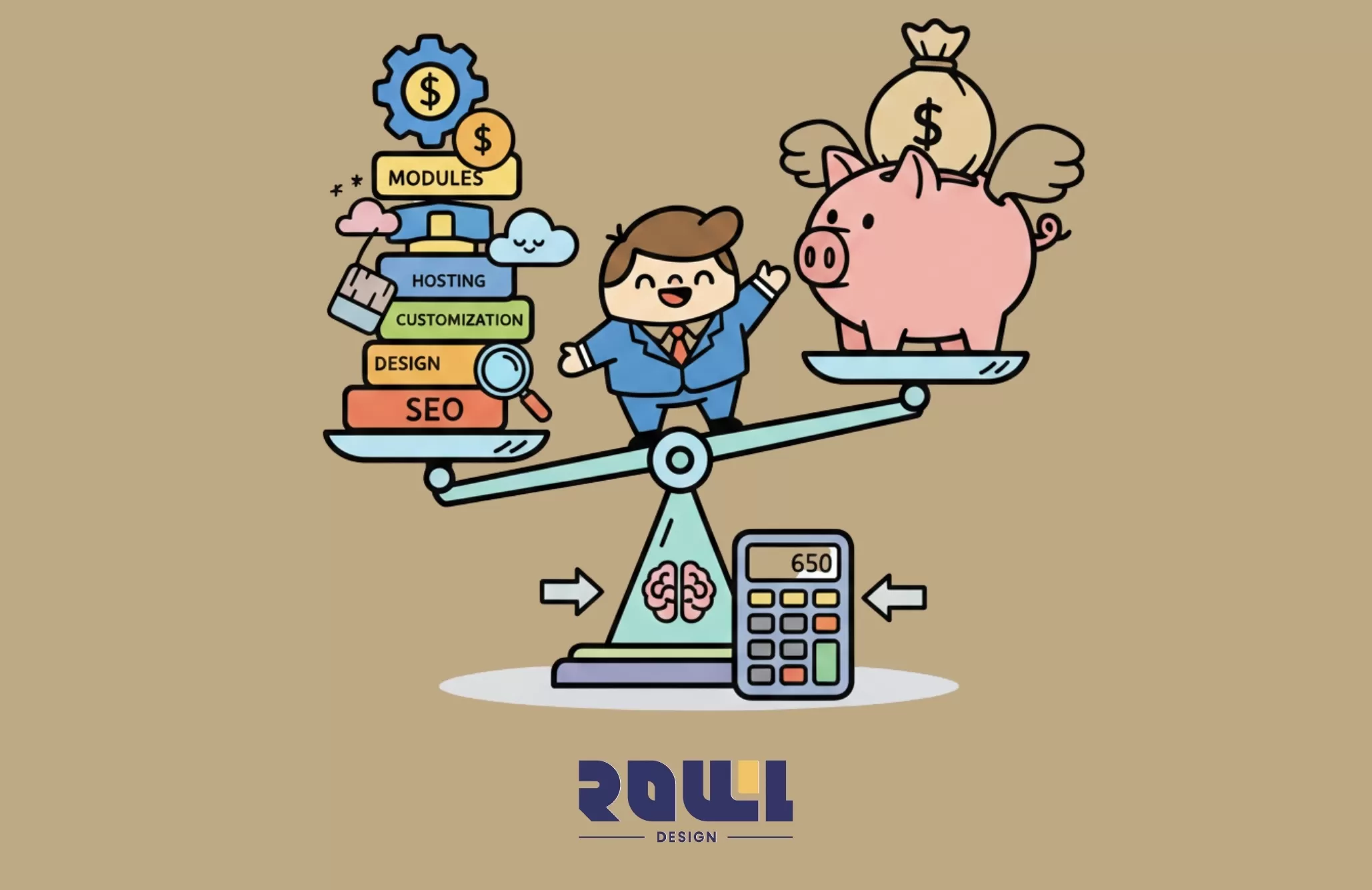
A budget should never be a number plucked out of thin air. It should reflect your business goals, expectations for website functionality, and quality standards. Today, we won't discuss vague quotes. Instead, we'll explore how to establish the right cost mindset when planning your website—this "digital asset"—so you don't end up spending money only to be disappointed.
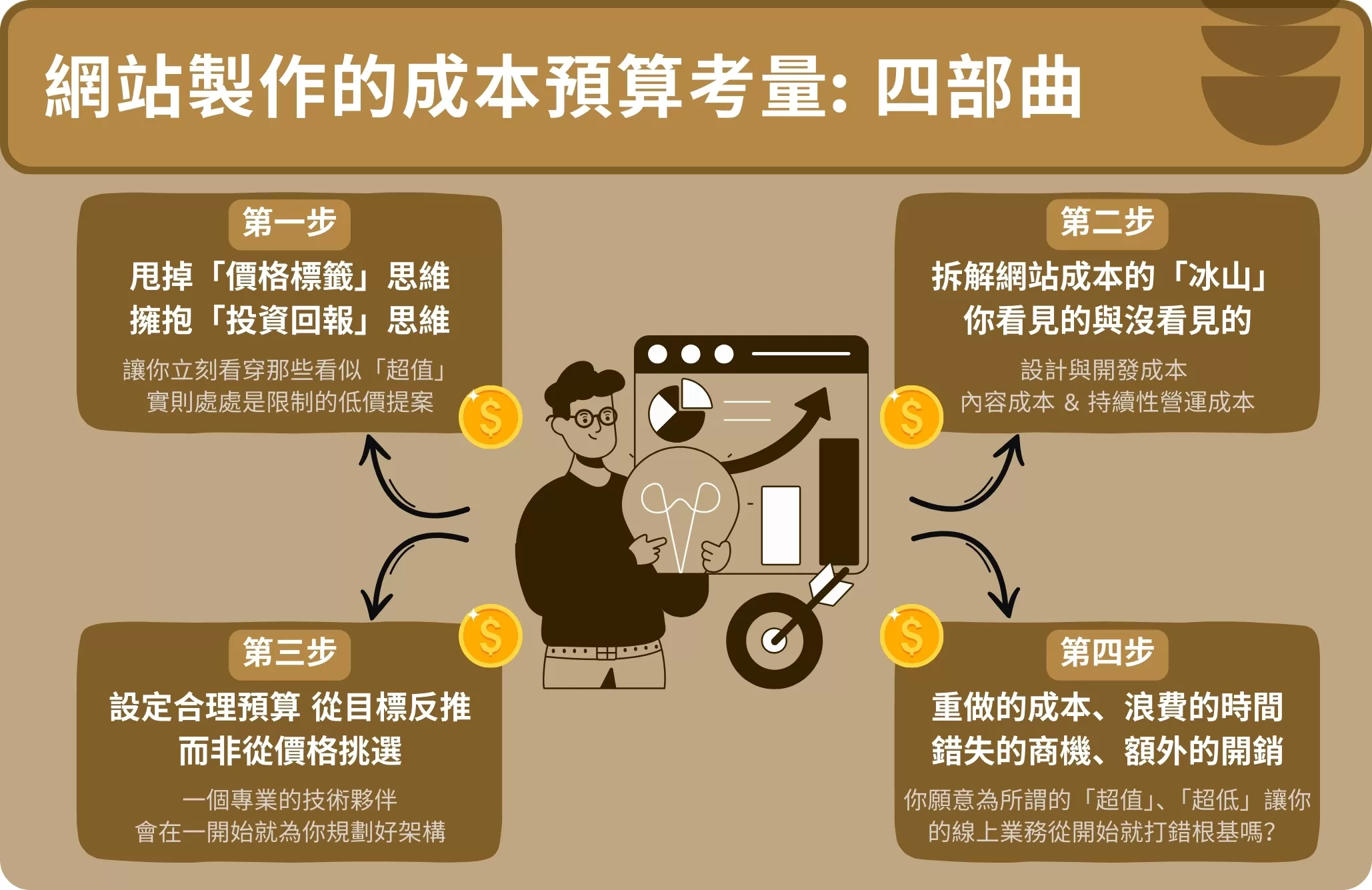
Step One: Ditch the "Price Tag" Mindset and Embrace "Return on Investment" Thinking
This is the most crucial mindset shift of all. If you view your website solely as "an expense to minimize," you're likely to end up with:
A website that's nearly impossible to update in the future
A layout that looks messy and disjointed on mobile devices
A painfully slow experience that drives visitors away within 3 seconds
But if you view your website as a 24/7 business representative, brand showcase, and sales engine, your question shifts from "How much will this cost?" to:
"How much should I invest to get a professional tool that will attract customers, build trust, and run reliably for years?"
This mindset shift instantly exposes those seemingly "great deals" that are actually riddled with limitations.
Step Two: Dismantling the "Iceberg" of Website Costs—What You See and What You Don't
A professional quote should be like an iceberg, clearly revealing all components above and below the surface. Website costs primarily fall into three major categories:
1. Design and Development Costs (one-time, most visible) — This is the "house" itself you're purchasing.
Prices vary significantly based on:
Specifications and complexity: A simple 5-page image-focused site versus a platform with membership systems, online booking, and course management features will have vastly different prices.
Design depth: Is it a template with minor tweaks, or a fully customized design rooted in your brand identity? The latter demands deeper strategic discussions and creative investment.
Technical Architecture: Choosing a stable, scalable tech stack may cost more upfront but saves you substantial future refactoring expenses and maintenance risks.
Honest Advice: When quotes seem unbelievably low, it's likely the provider has drastically simplified either "design depth" or "technical architecture." These cut corners will come back to haunt you later—through "inability to add new features," "frequent website crashes," or "hacker intrusions."
2. Content Costs (The Often Underestimated Hidden Giant)
A sleek website framework without compelling copy, professional photography, or images is like a beautifully decorated house without furniture. These costs may include:
Professional Copywriting: High-conversion copywriting is a specialized skill.
Professional Photography and Images: Visitors instantly discern the difference between casual phone snaps and commercial-grade photography.
Video Production: A homepage introduction video significantly boosts dwell time and trust.
You can produce content yourself to save costs, but you must factor in "time and quality."
3. Ongoing Operational Costs (Daily Expenses to Sustain Your Website's "Life")
Launching your website isn't the end—it's the beginning. These are the fixed expenses for maintaining your site:
Domain Name: Your website address, annual fee.
Website Hosting: Shared hosting is inexpensive but slow and high-risk; dedicated cloud hosting ensures performance and security at a higher cost.
SSL Security Certificate: Transforms URLs to https://, now standard for security and SEO.
Technical Support & Maintenance: Regular updates, backups, security monitoring, troubleshooting. Think of it as your website's "health insurance."
Step 3: Practical Budgeting Strategy—Work Backwards from Goals, Not Prices
Instead of passively asking "How much?", proactively plan based on your goals:
1. Define your "top priority"
"I need an online business card so clients can find my contact info." (Budget requirement: Low to Medium)
"I need an online store that can take orders 24/7." (Budget requirement: Medium)
"I need a complex internal management system to boost team efficiency." (Budget requirement: High)
2. Adopt a "phased implementation" strategy
Limited budget but ambitious vision? Approach it like building a house—phase by phase.
Phase 1: Build the core "Minimum Viable Product" first to launch the website and start generating value.
Phase 2: Based on actual usage data and feedback, plan additional investments over the next six months to a year to develop the next batch of key features.
A professional partner will design a scalable architecture from the outset, ensuring future upgrades are seamless and pain-free.
Finally, I'd like to share a profound observation: Clients rarely regret "spending too much initially." What they truly regret is "cutting corners early on, only to end up with a completely unusable website that needs a complete overhaul." The cost of that overhaul—wasted time, lost business opportunities, and extra expenses—far exceeds the investment required for a robust, well-designed website from the start.Your website is your home in the digital world, where you'll operate for five, ten, or more years. Are you willing to risk building your online business on shaky foundations from the start just for so-called "great value" or "rock-bottom prices"?
So when reviewing your budget, don't just ask, "How much will this cost?" Instead, ask yourself: "If this website can bring me steady clients and revenue, how much is it worth investing? And how can I avoid wasting money on a 'digital liability' that will become a burden in the future?"
The answer lies in your vision for the future of your business.

High Traffic but Zero Orders? 5 Critical Mistakes in "Website Page Design" That Are Causing You to Lose Customers
Is your website getting daily traffic, but no one is requesting quotes or placing orders? The latest conversion rate analysis for 2026 will help you identify 5 critical flaws in your “website design” that are causing you to lose customers. Improve your layout right away and turn that traffic into revenue! ...
Website Page Design , Website Traffic
What Pitfalls Are Hidden in “Web Design Packages”? 4 Real Metrics for Evaluating Hong Kong Web Design Companies
Are “Web Design Packages” Priced at a Few Thousand Yuan Really a Good Deal? We expose common hidden fees and template traps in 2026. We’ll teach you 4 key metrics to properly evaluate Hong Kong web design companies and avoid the hassle of having to redo your website!...
Website Design Packages , Website Design Prices
2026 Corporate Website Redesign Guide: What’s the Difference Between a Custom-Designed Website and a Traditional Template-Based Website?
Does your business need a website redesign? This article breaks down the latest web design standards for 2026 and provides a practical roadmap. Learn why partnering with a professional web design agency that offers custom system development can help you move beyond cookie-cutter website packages and build a high-conversion digital asset....
Website Redesign , Website Redesign , Web DesignHelp you solve company IT transformation challenges,
All types of functional websites/Apps/systems can be created!
If you have any production needs, please contact us,
We will provide free consultation for your needs.
- # Good service ≠ More expensive
- # Professional IT team, improve website effectiveness
- # Proper planning, tailor-made IT solutions
Popular Articles
From Idea to App Store: Your 2026 App Development Roadmap
15621
The 2026 Hong Kong Digital Marketing Playbook: Your Guide to Outpacing the Competition
8511
Beyond WordPress: Understanding What Truly Defines an Enterprise CMS
6964
A Beginner's Guide to System Development: An Overview of the 7 Key Processes, Common Development Models, and Cost Components
4908
Don't let an outdated website make your company seem old-fashioned to customers
4572